
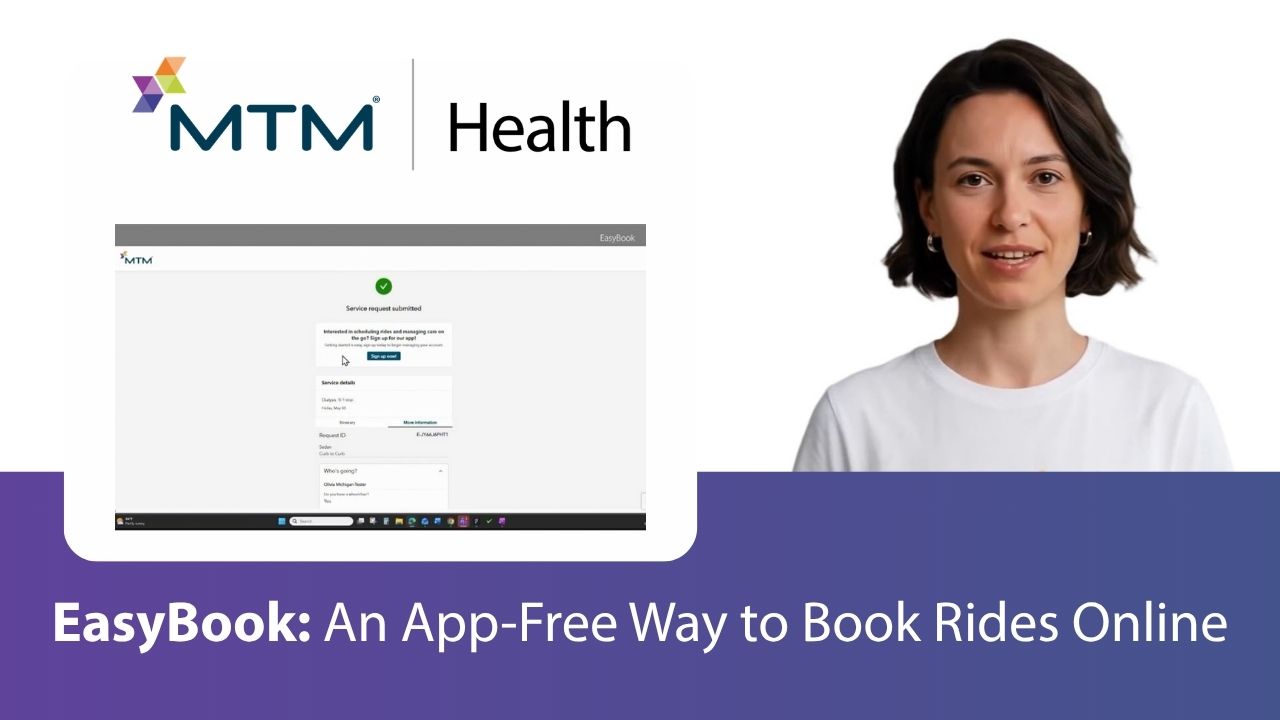
EasyBook: A Simpler Way for Members to Schedule Rides
At MTM Health, we’re always looking for new ways to make non-emergency medical transportation (NEMT) easier to access. That’s why we’re excited to introduce EasyBook, a new ride request option that gives members a convenient way to schedule transportation from a phone, tablet, or computer.
What Is EasyBook?
With EasyBook, there’s no app to download, no username or password to remember, and no account required to get started. Members simply receive a secure link via text message and request their ride in just a few minutes. This new self-service option was designed for those who want the convenience of online scheduling without the extra steps of creating an account.
When a member calls MTM Health to arrange transportation, they can choose to receive a secure text message containing a personalized booking link. From there, they can complete the ride request on their own schedule using the device that’s most convenient for them.
The process is simple, intuitive, and secure, allowing members to enter their trip details, review their information, and submit their request without waiting on the phone.
Convenience in Just a Few Clicks
EasyBook was designed to make scheduling transportation as simple as possible. Using the secure link, members can:
- Verify their identity quickly and securely
- Schedule rides up to six months in advance
- Select trip purposes and appointment dates
- Enter pick-up and destination information
- Add multiple stops and return trips when needed
- Indicate mobility accommodations or special transportation needs
- Review trip details before submitting their request
Once the request is submitted, members immediately receive confirmation of their trip details.
No Login, No Download, No Problem
Not every member wants to create an account or download another app to their phone. EasyBook provides the convenience of digital self-service while eliminating common barriers that can prevent people from using online tools. This is especially helpful for members who:
- Prefer a simple, one-time booking experience
- Have limited storage space on their devices
- Use a shared computer or tablet
- Want an easier alternative to completing the entire scheduling process over the phone
MTM Link Offers Even More Self-Service Options
After completing a trip request through EasyBook, members can choose to create an MTM Link account for continued self-service access. An MTM Link account provides additional features that allow eligible members to manage transportation independently, including the ability to view, schedule, modify, cancel, and monitor trips online.
Whether members prefer a quick, account-free experience through EasyBook or the expanded capabilities available through MTM Link, MTM Health is committed to providing transportation tools that fit individual needs and preferences.
Watch EasyBook in Action!
Want to see how simple EasyBook is? Click play on the video in the header of this post to watch a step-by-step walkthrough of the EasyBook experience.
Categories
- Alaina Macia (39)
- Employee Wellness (19)
- ETO Newsletter (64)
- Events (70)
- MTM Health eNewsletter (83)
- News & Events (730)
- Technology (2)
- Tradeshows (57)
- Uncategorized (17)
- Webinars (15)